
How to Install Instagram Gold APK on Android
Follow these five steps. It takes under two minutes.
- Download the APK
Go to the download page and tap Download APK. Wait for the 141.6 MB file to finish.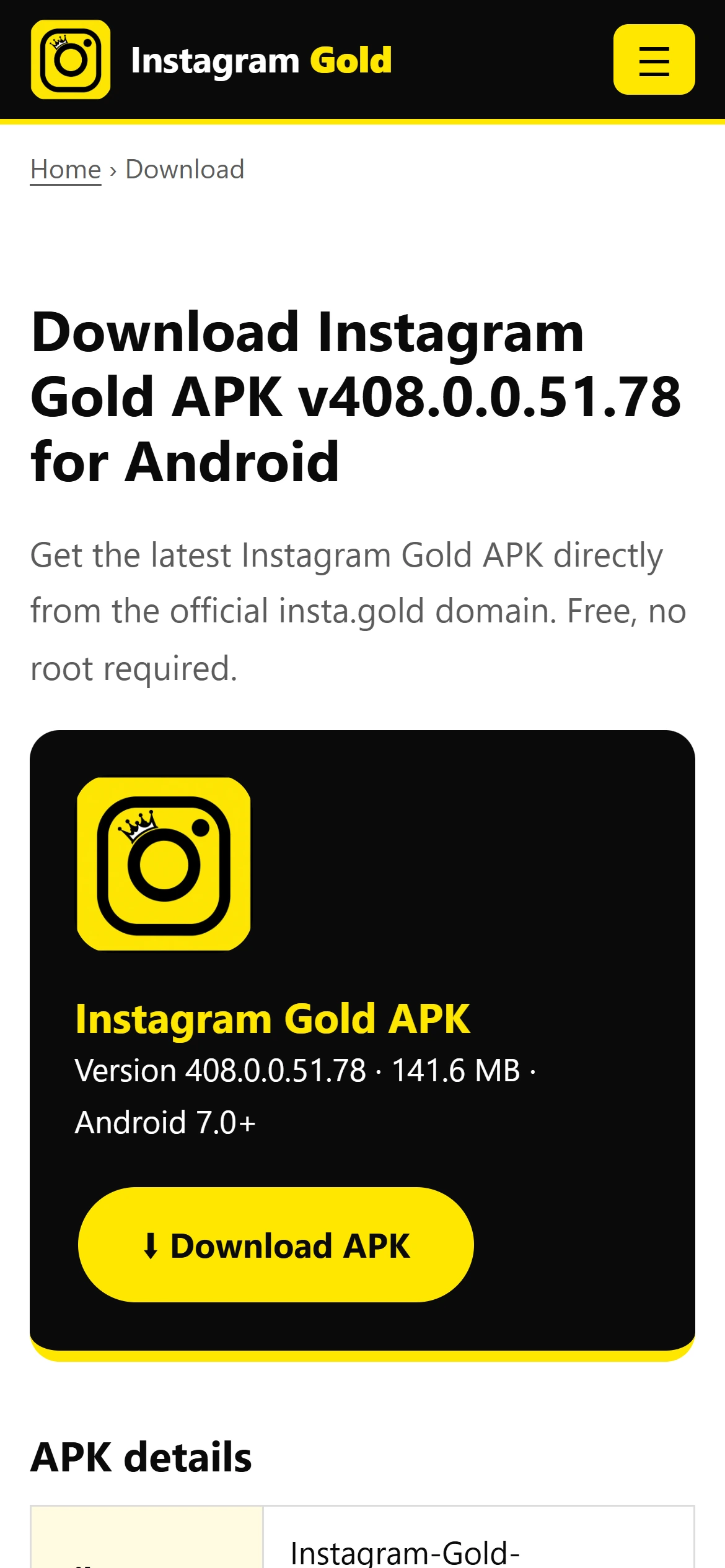
Open the download section on your phone and tap Download APK. - Allow unknown sources
Open Settings › Apps › Special access › Install unknown apps, choose your browser or file manager and enable Allow from this source. Menu names vary by phone.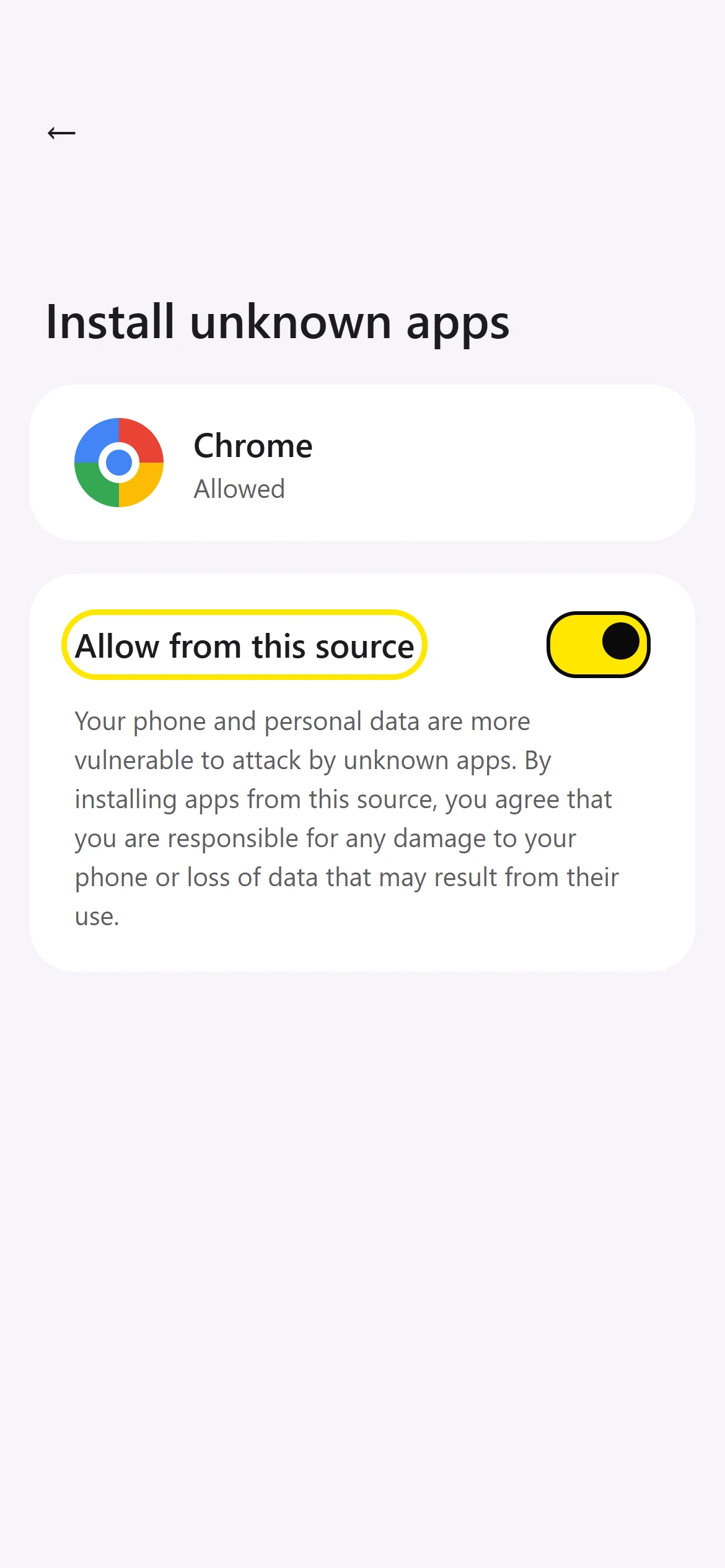
Switch on Allow from this source for your browser (menu names vary by phone). - Install the app
Open the downloaded APK from your notification bar or Downloads folder and tap Install.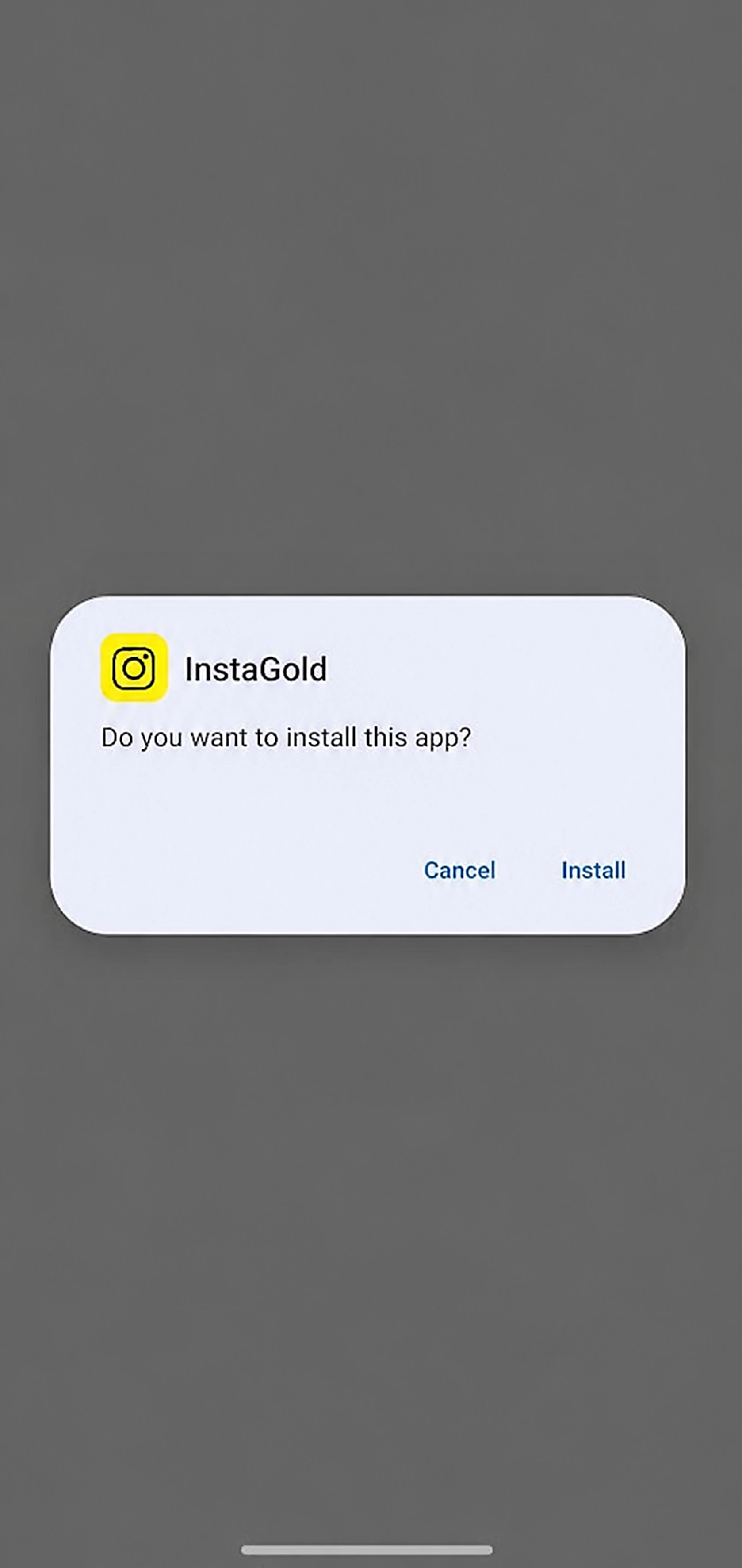
Tap Install on the Android prompt. - Open and sign in
Launch Instagram Gold and log in. Using a secondary account first is recommended.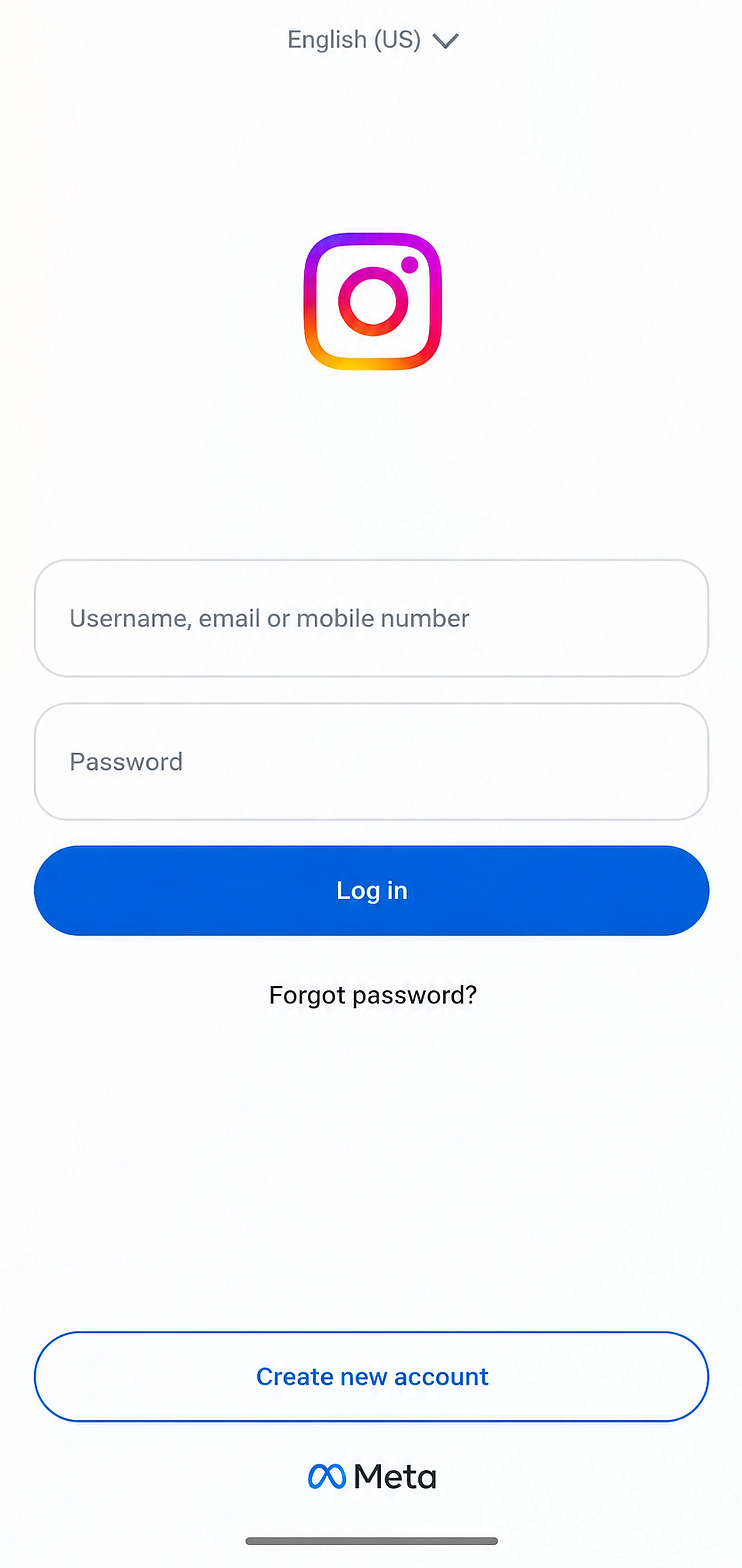
Sign in with your Instagram account. - Optional: install the clone
To run it beside official Instagram, install the +InstaG clone package.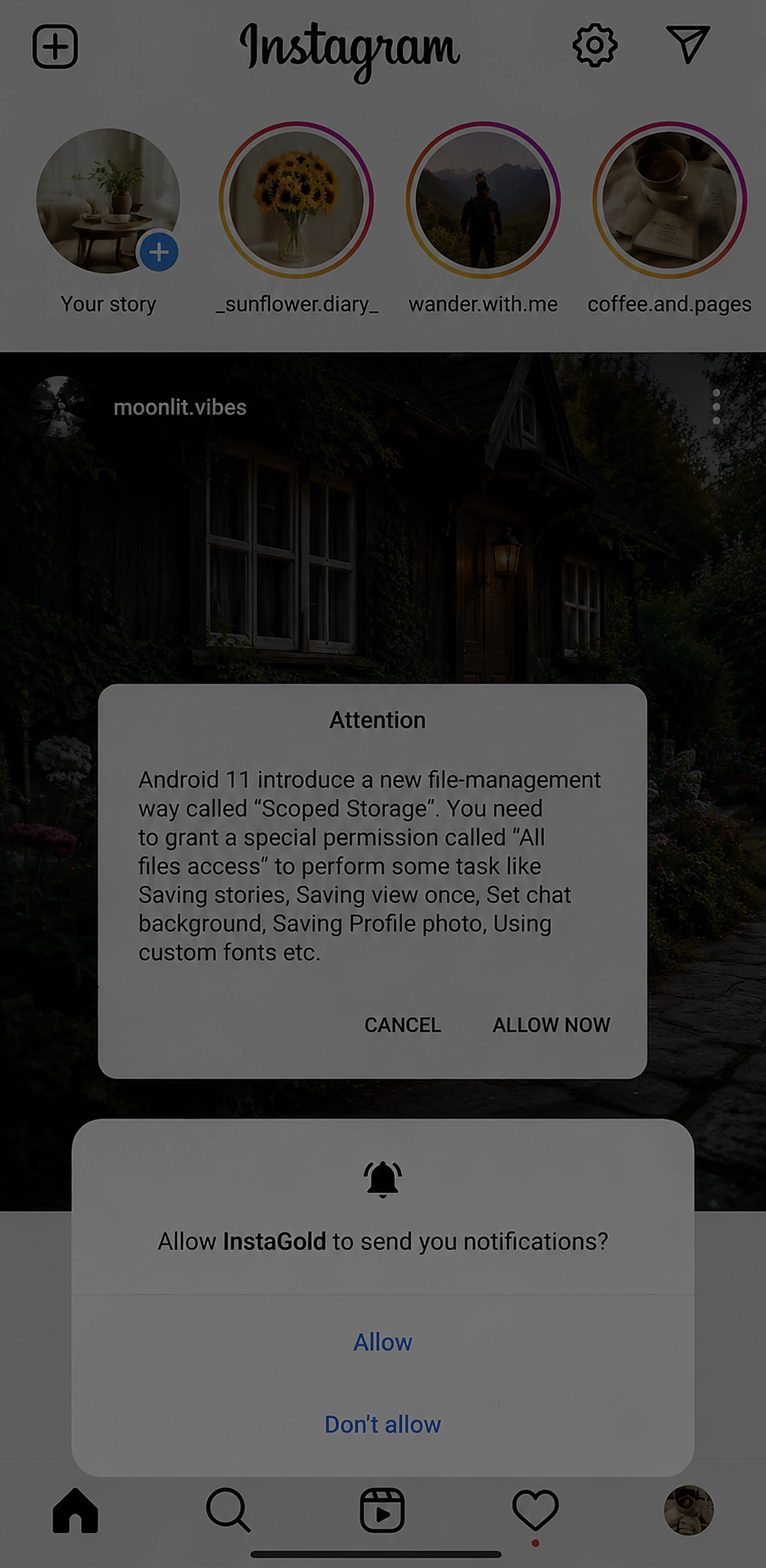
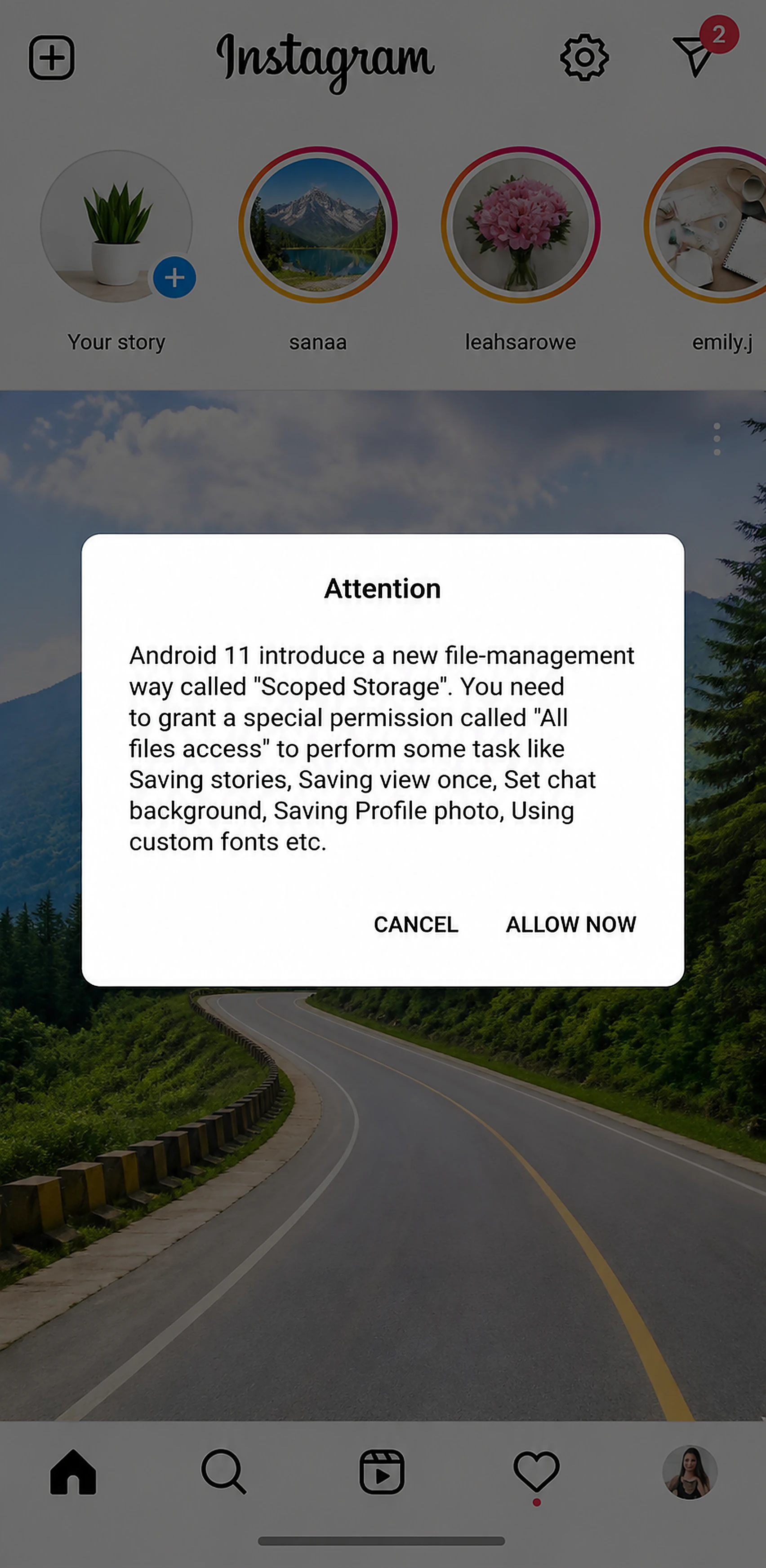
Allow notifications and file access when asked.
Troubleshooting
- App not installed: free up storage or remove a conflicting older version.
- Parse error: redownload the APK; make sure Android is 7.0 or newer.
- Blocked by Play Protect: unofficial apps trigger this warning. Proceed only if you trust the source.